
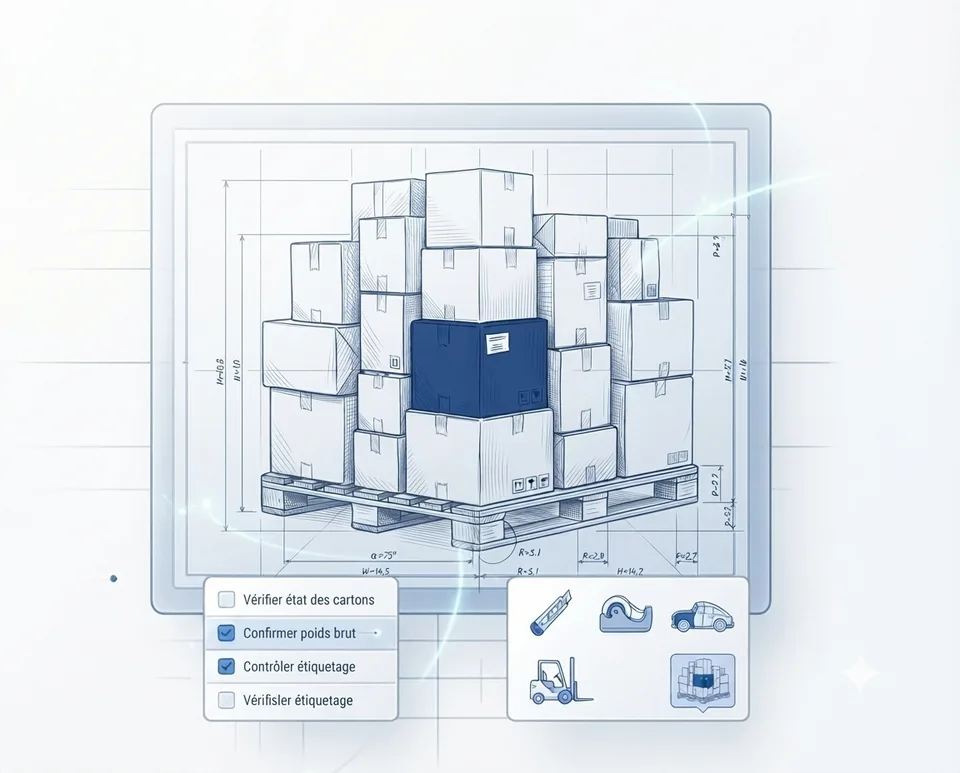
The Pain Points of Running a Local Grocery Store
Running a local grocery store is a complex task that requires precise coordination and accuracy. Managing stock, tracking products, and handling customer orders are critical tasks that can quickly become overwhelming. Traditional tools like Excel are often insufficient, leading to errors, inefficient processes, and a lack of visibility.
For example, a simple mistake in data entry can result in incorrect stock levels, faulty invoices, and discrepancies in your records. This not only affects your operational efficiency but can also impact customer satisfaction and trust.
How Blueprint Maker Can Help
Blueprint Maker is designed to address the specific challenges faced by local grocery stores. With a dedicated Prisma database and a customizable application structure, you can tailor the solution to fit your unique needs.
From managing inventory and tracking product traceability to handling customer orders and generating invoices, Blueprint Maker provides a comprehensive solution that streamlines your operations and reduces the risk of errors.
- Efficient stock management with real-time tracking
- Seamless product traceability for quality control
- Streamlined order handling and customer management
- Customizable dashboard with key performance indicators
Key Features for Local Grocery Stores
Blueprint Maker offers a range of features specifically designed to meet the needs of local grocery stores. Whether you're a small family-owned business or a growing retail operation, you can benefit from the following features:
- Dedicated Prisma database for secure and scalable data management
- Comprehensive CRUD operations for all entities
- Customizable dashboard with real-time indicators
- Three levels of generation: Sketch, Craft, and Masterpiece
Getting Started with Blueprint Maker
The process of setting up and using Blueprint Maker is straightforward and user-friendly. You start by defining the structure of your application, which is then validated before the build. This ensures that the final product meets your exact requirements.
Once your application is built, you can export the code as a ZIP file, push it to GitHub, and deploy it to a dedicated URL. This flexibility allows you to integrate Blueprint Maker into your existing workflow with ease.
Pricing and Plans
Blueprint Maker offers flexible pricing plans to suit businesses of all sizes and budgets. You can choose from the following plans:
The Discovery plan is free, allowing you to explore the platform and its capabilities. The Pro plan at €25 per month provides advanced features and support, while the Max plan at €149 per month offers the full suite of tools and services.
- Discovery: Free
- Pro: €25 per month
- Max: €149 per month
Real-World Benefits
Using Blueprint Maker can bring numerous benefits to your local grocery store. By improving the accuracy and efficiency of your operations, you can enhance customer satisfaction, reduce costs, and grow your business.
For instance, real-time stock tracking ensures that you never run out of popular items, while accurate product traceability helps you maintain high standards of quality and safety.
Entities
- Stock Items
- Customer Orders
- Suppliers
Views
- Dashboard
- Stock Management
- Order Handling
Indicators
- Inventory Turnover Rate
- Order Fulfillment Time
- Customer Satisfaction Score
Frequently asked questions
Does Blueprint Maker handle online payments?
No, Blueprint Maker does not handle online payments. However, the code being exportable and standard, a developer can add this functionality.
Can Blueprint Maker generate tax-compliant invoices?
No, Blueprint Maker does not generate tax-compliant invoices. However, the code being exportable and standard, a developer can add this functionality.
How does Blueprint Maker ensure data security?
Blueprint Maker uses a dedicated Prisma database to ensure secure and scalable data management. The platform follows best practices for data security and privacy.
What happens if I need to modify the application structure after the build?
You can make changes to the application structure and rebuild it at any time. The platform allows you to validate the changes before the build to ensure everything works as expected.